Free Image Cropper Online
Crop and cut images instantly in your browser — no upload, private, mobile-friendly
Drop a file to begin
or click to browse — nothing is uploaded
Supports JPEG, PNG, WebP, BMP, AVIF
Select fileFree Image Cropper Online — Crop, Cut and Resize Photos Privately
Crop images online with a private browser-based image cropper. Cut photos, make square profile pictures, frame thumbnails, or use freeform cropping for JPEG, PNG, WebP, BMP and AVIF — your images stay on your device.
Powerful Cropping Features
Everything you need for precise image cropping in one simple tool.
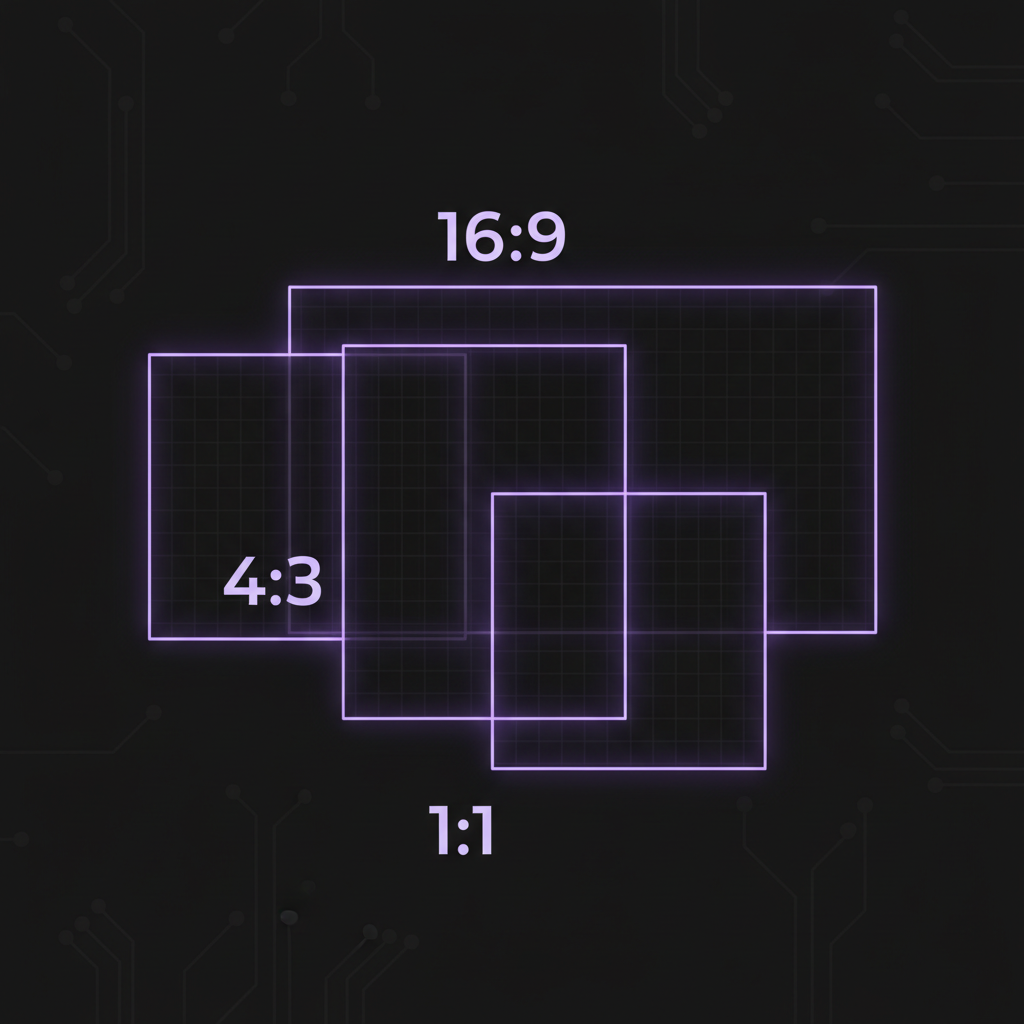
Aspect Ratio Presets
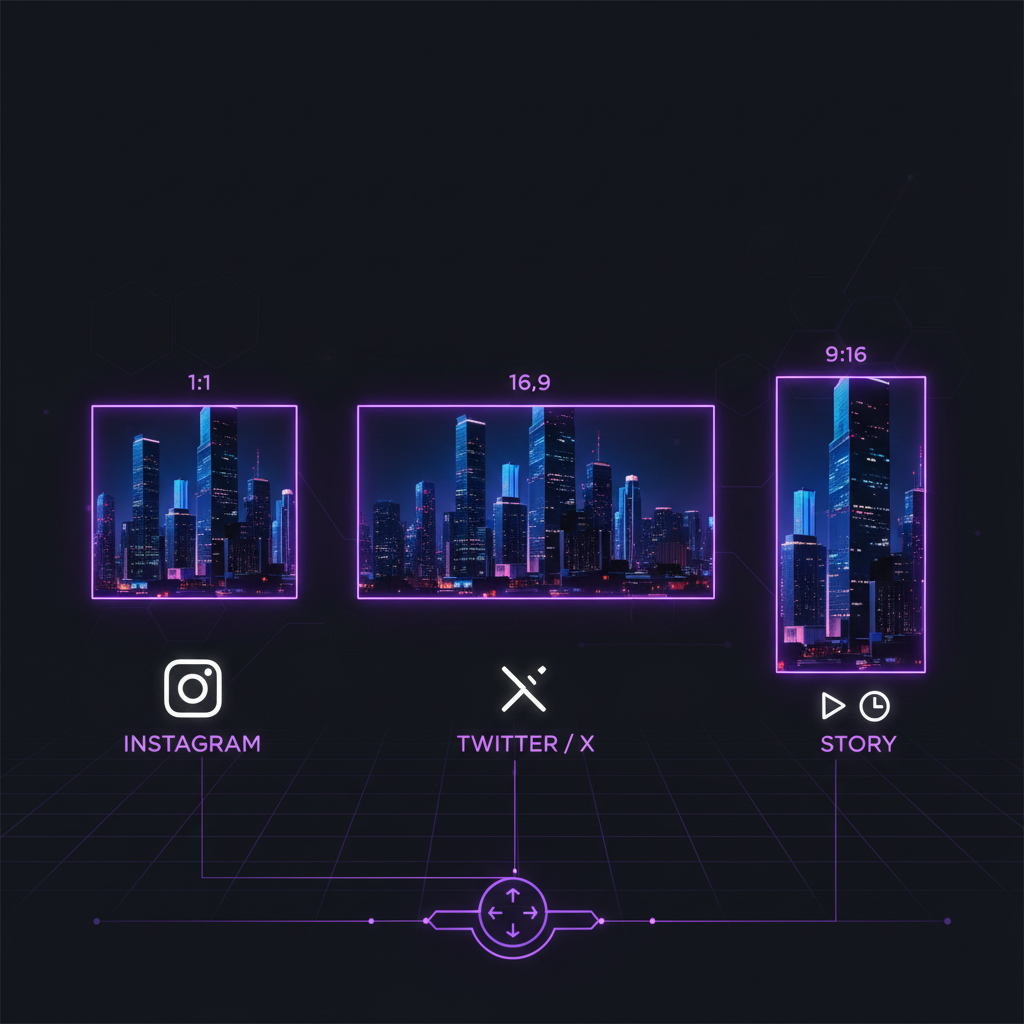
Choose from common ratios like 1:1 for social media, 16:9 for presentations, or 4:3 for photos. Or go freeform for complete control.
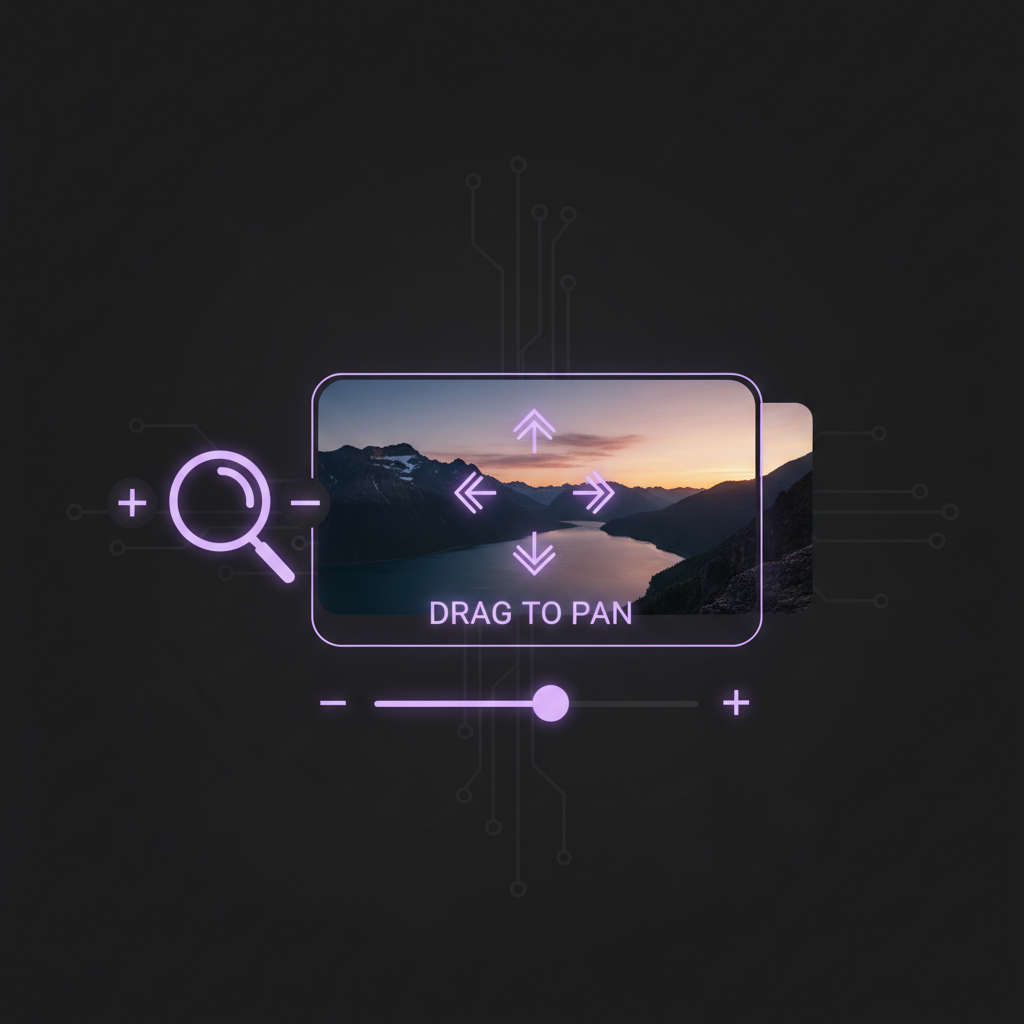
Zoom & Pan Controls
Drag to reposition your image and use the zoom slider for precise framing. Perfect for getting exactly the crop you want.
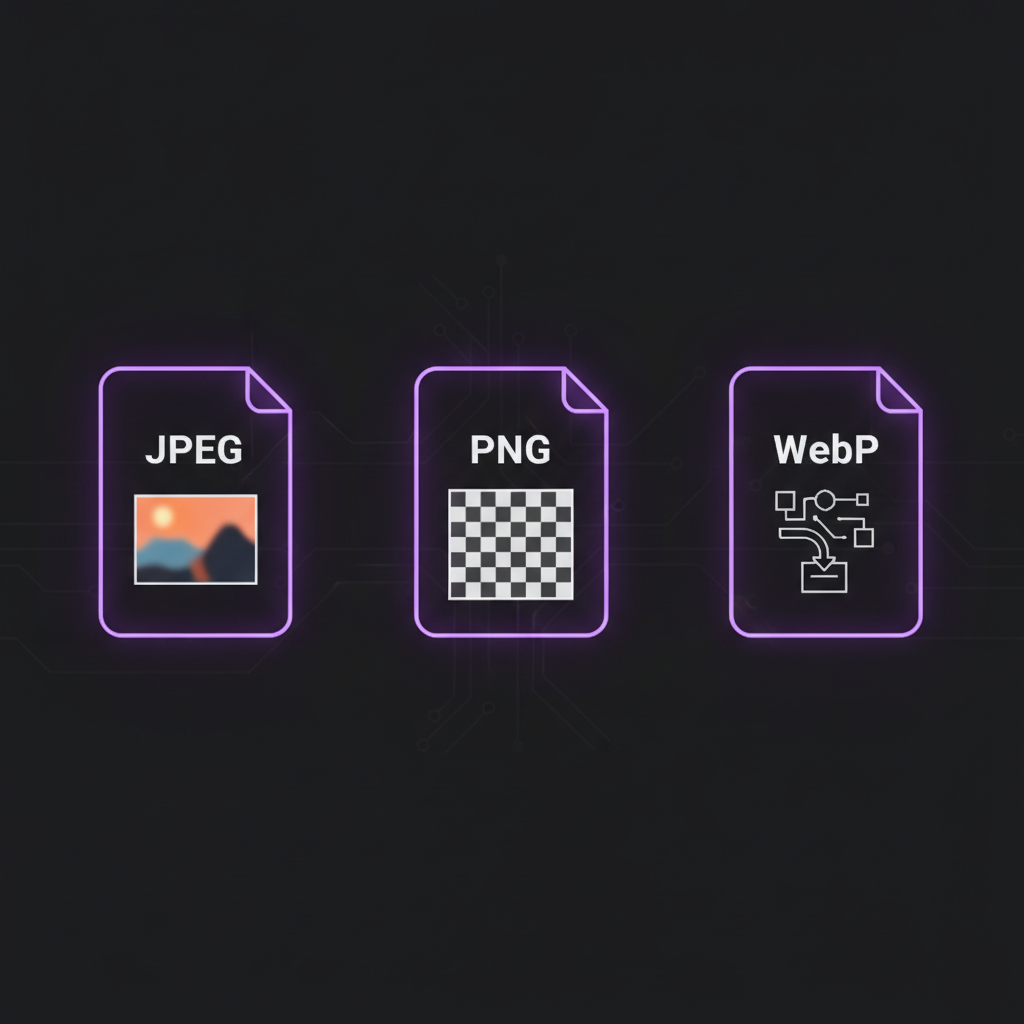
Multiple Output Formats
Export as JPEG for photos, PNG for graphics with transparency, or WebP for the best compression. Adjust quality to control file size.
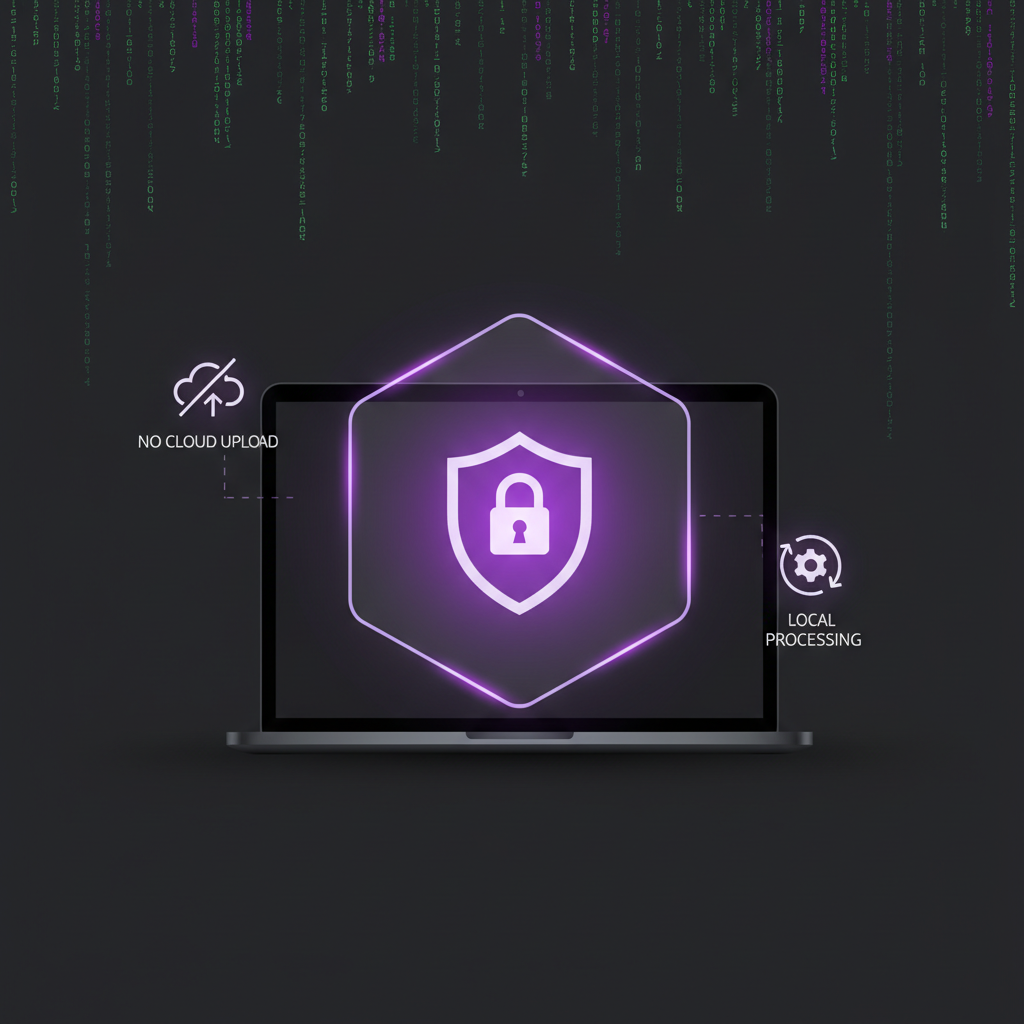
Complete Privacy
All cropping happens in your browser using the Canvas API. Your images are never uploaded to any server.
Perfect For Any Use Case
Zero-Upload Privacy
All cropping happens in your browser using the HTML5 Canvas API. No image data touches our servers — there's no cloud processing, no tracking, and no server logs. Close the tab and everything is gone.
Why Choose Our Cropper?
See how we compare to other image croppers
| AI Toolbox | Canva | Adobe Express | iLoveIMG | Pixlr | GIMP | |
|---|---|---|---|---|---|---|
| No Download Required | ||||||
| 100% Private | ||||||
| No Watermarks | ||||||
| No Account Required | ||||||
| Works Offline | ||||||
| Completely Free |
How to Crop an Image
Upload Your Image
Drag and drop your image file or click to browse. Supports JPEG, PNG, WebP, BMP, and AVIF formats.
Adjust Your Crop
Select an aspect ratio or use freeform. Drag to reposition and use the zoom slider to frame your image perfectly.
Download Result
Choose your output format and quality, then click Crop Image. Your cropped image downloads instantly.
Related Tools
Explore our other free browser-based tools to complete your media editing workflow.
Split videos into multiple clips by duration, file size, or custom timestamps.
Convert between MP4, WebM, MKV, MOV and 10+ formats with quality control.
Extract audio from video files in MP3, WAV, FLAC, AAC or OGG format.
Discover our complete collection of free, privacy-focused browser tools.
Frequently Asked Questions
01Is this online image cropper private?+
02What image formats can I crop?+
03How do I crop an image online to a specific shape or size?+
04Can I crop large images?+
05What does the quality setting do?+
06Which output format should I choose?+
07Can I crop images on my phone?+
08Will cropping reduce image quality?+
09What aspect ratio should I use for Instagram posts?+
10How do I crop a profile picture as a 1:1 square?+
11What is the best image format for the web?+
12Can I crop transparent PNG images?+
13What aspect ratio do YouTube thumbnails use?+
14How do I crop an image for a Facebook cover photo?+
15What is the difference between JPEG and PNG for cropped images?+
16Can I crop images without losing resolution?+
17What is WebP and should I use it?+
18How should I crop images for print?+
19What size should a LinkedIn banner be?+
20Can I undo a crop after downloading?+
Responsible Use
Please crop only images you own or have rights to use. Respect copyright laws and intellectual property rights.
Ready to Crop Your Image?
Drop your file above and start cropping — no sign-up, no limits, no waiting.
Drop your image here