Free Video Converter Online
Convert video to MP4, WebM, MKV, MOV and more in your browser — no upload, no watermark
Drop a file to begin
or click to browse — nothing is uploaded
Supports MP4, MKV, WebM, AVI, MOV, WMV, FLV, 3GP, MPEG, OGV, M4V, GIF
Select fileConvert video online without uploading files. This browser-based video converter, transcoder and encoder converts MP4, WebM, MKV, AVI, MOV and more locally on your device — private, watermark-free and account-free.
Powered by FFmpeg + WebAssembly
Use our free tool to convert video files between the most commonly used formats for any platform or device.
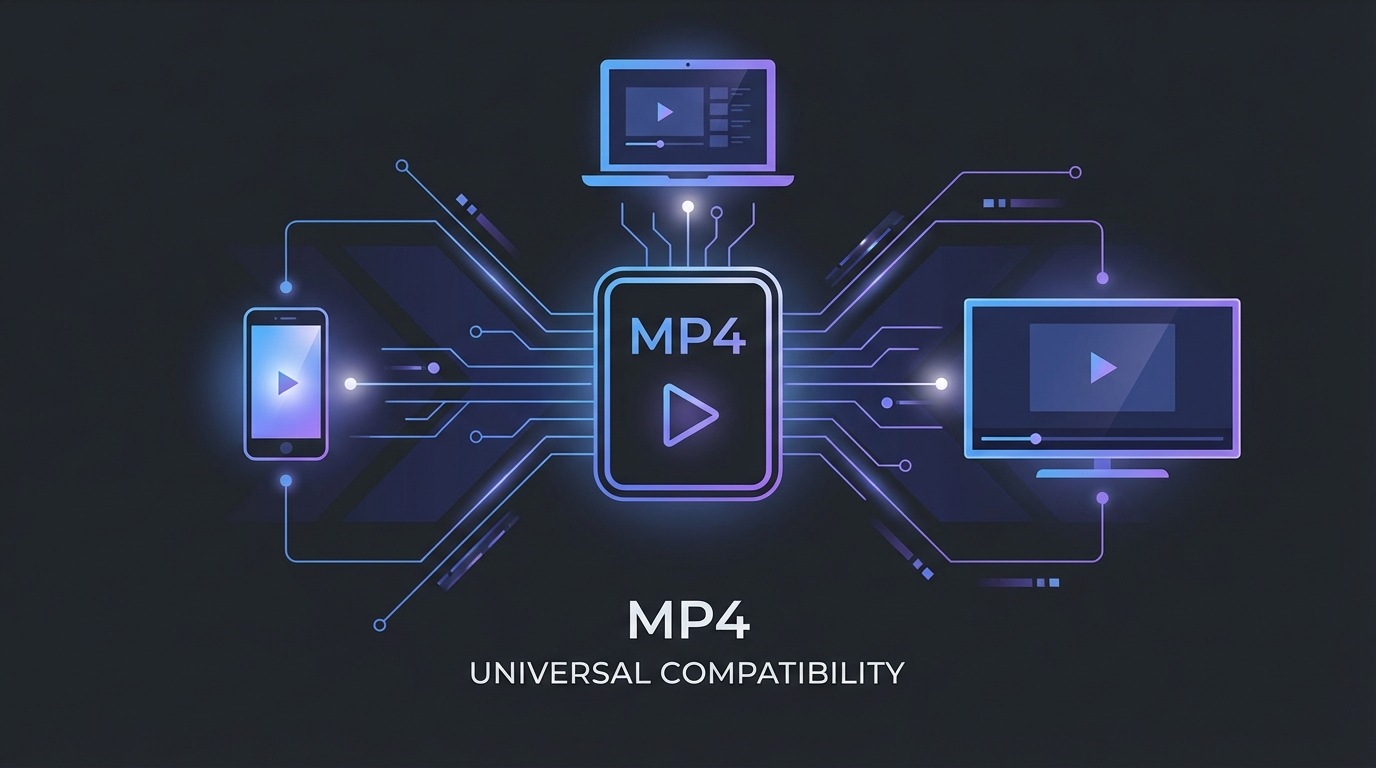
MP4 (H.264)
The universal standard. Plays on virtually every device, browser, and platform. Best choice for sharing and compatibility.
WebM
Open web format optimized for streaming. Smaller files with excellent quality. Ideal for web embedding and HTML5 video.
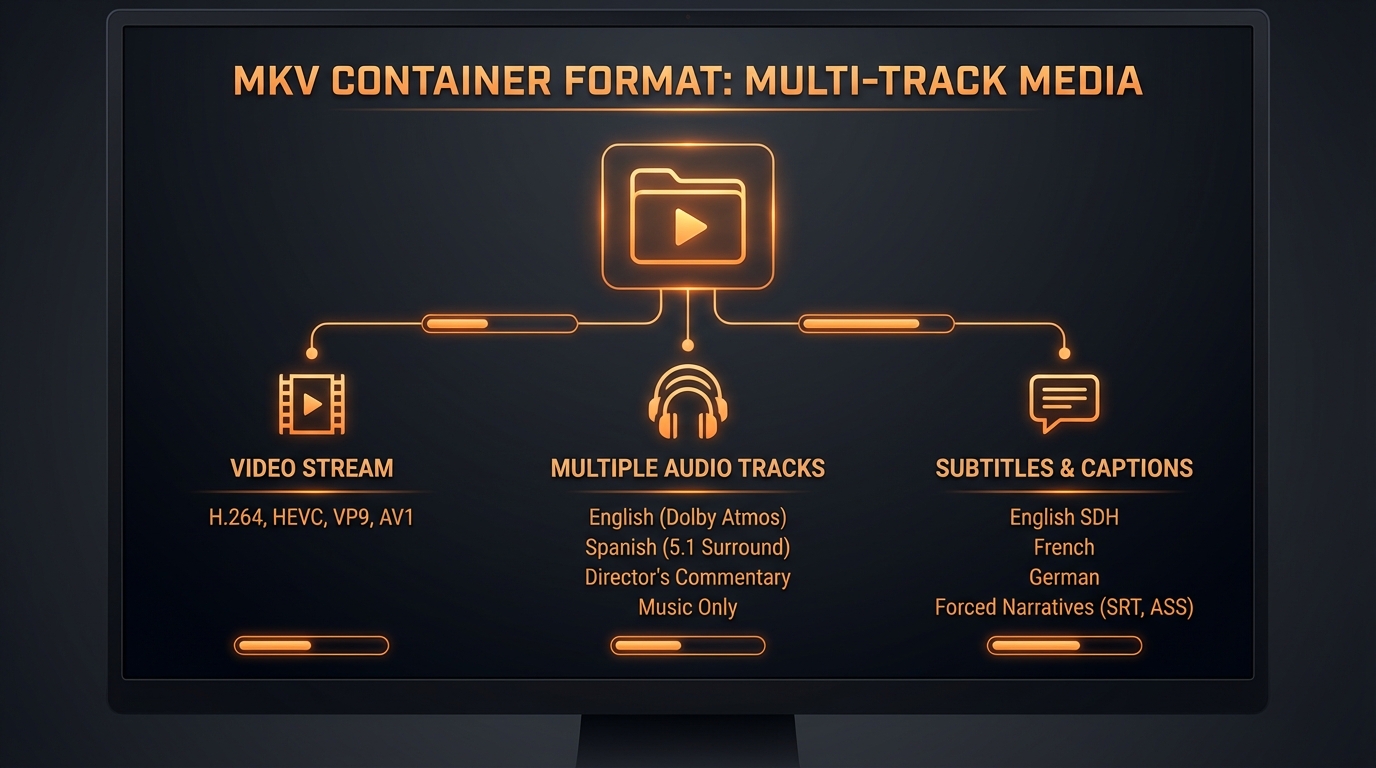
MKV (Matroska)
Flexible container supporting multiple audio tracks and subtitles. Popular for high-quality video archiving.
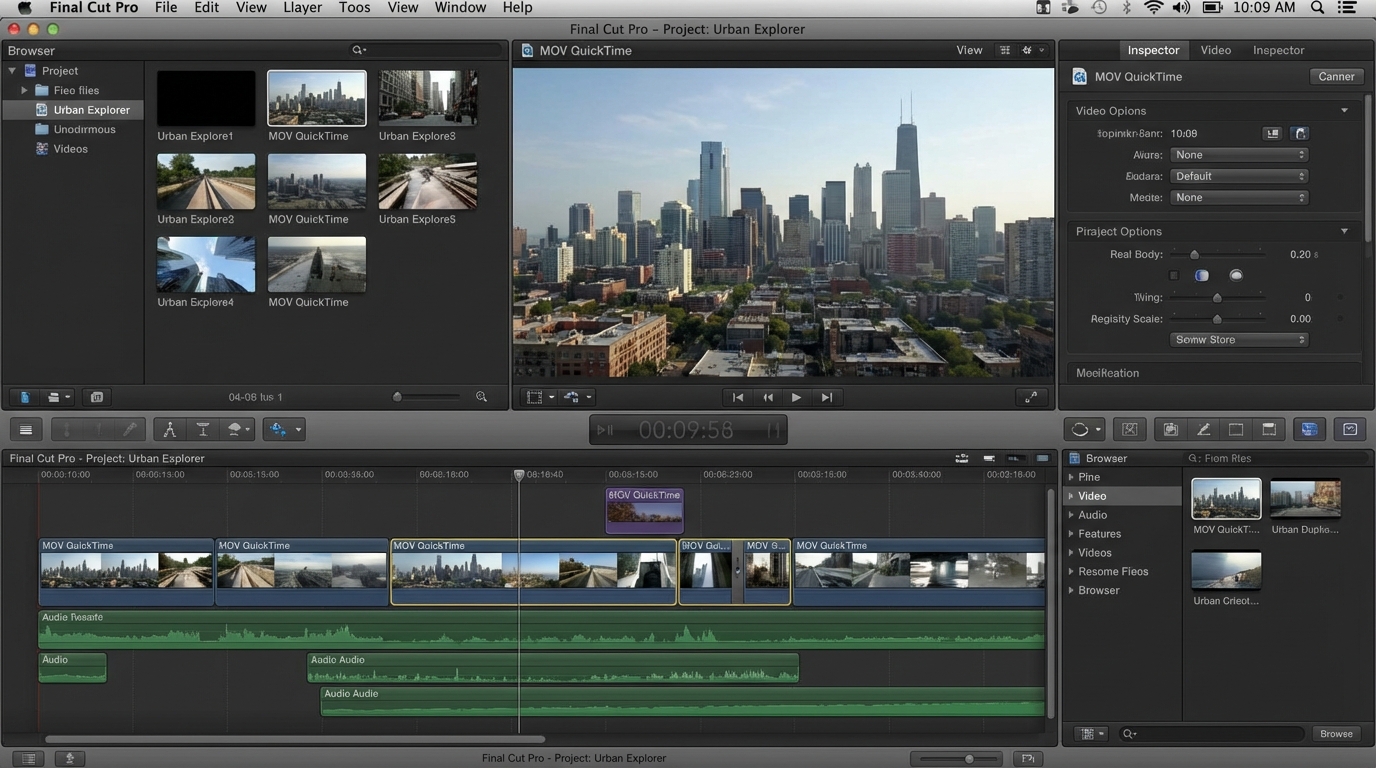
MOV (QuickTime)
Apple's professional format. Native support in Final Cut Pro and macOS. Great for video editing workflows.
When you convert video, fine-tune your output with quality presets and encoding speed options for the perfect balance of file size and visual fidelity.
CRF Quality Control
Choose High, Medium, or Low quality. Higher quality means larger files but better visual detail. Medium is recommended for most uses.
Encoding Speed
Slower encoding produces smaller files at the same quality. Fast is great for quick conversions; Slow is ideal for final exports.
Cloud services make you upload, wait, and download just to convert video files. Our local-first approach eliminates all of that — convert video instantly without any uploads.

All conversion happens in your browser using WebAssembly-compiled FFmpeg. No video data touches our servers — there's no cloud processing, no tracking, and no server logs. Close the tab and everything is gone.
Upload Your Video
Drag and drop your video file or click to browse. Supports MP4, MKV, WebM, AVI, MOV, and 7 more formats.
Choose Output Format
Select your target format from 12 options. Adjust quality (High/Medium/Low) and encoding speed for your needs.
Download Converted File
Click Convert Video and download your new file. Processing happens locally — no upload wait.
See how we compare to other video converters
| AI Toolbox | HandBrake | CloudConvert | Zamzar | Convertio | Online-Convert | |
|---|---|---|---|---|---|---|
| No Download Required | ||||||
| 100% Private | ||||||
| No Watermarks | ||||||
| No Account Required | ||||||
| Works Offline | ||||||
| Completely Free |
Explore our other free browser-based video tools to complete your video editing workflow.
Read the full guide: How to Convert Video Files in Your Browser
Is this free online video converter private?
What video formats can I convert between?
How do I convert a video to MP4 online?
Can I convert video files that are large?
What does the quality setting do?
What does encoding speed affect?
Why would I choose WebM over MP4?
Can I convert videos on my phone?
How long does conversion take?
Will convert video reduce quality?
What is the best video format for sharing on social media?
How do I reduce video file size without losing quality?
What is the difference between a container and a codec?
Can I convert videos with embedded subtitles?
What is CRF and how does it affect video quality?
How do I convert a video to GIF?
What video format does YouTube, Instagram, or TikTok prefer?
Can I batch convert multiple videos at once?
What is the difference between H.264 and H.265 (HEVC)?
How do I convert video to a format playable on older devices?
Please convert only content you own or have rights to use. Respect copyright laws and platform terms of service.
Drop your file above and convert video instantly — no sign-up, no limits, no waiting.
Drop your video here